The Nicolet/Paratronics Z80 NICE emulator
manual, brochure, tech info
and Bob Griebs new Z80 ICE
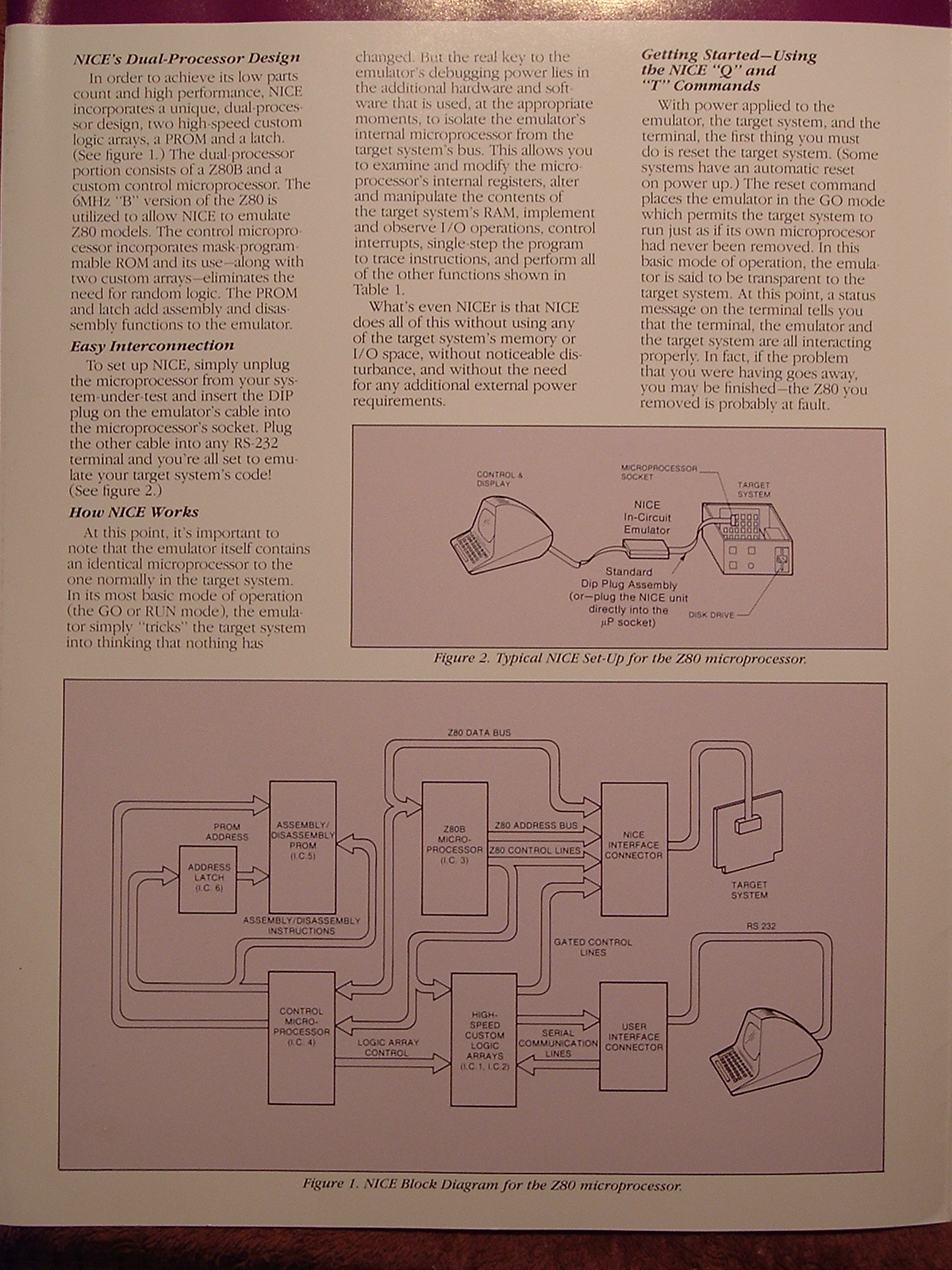
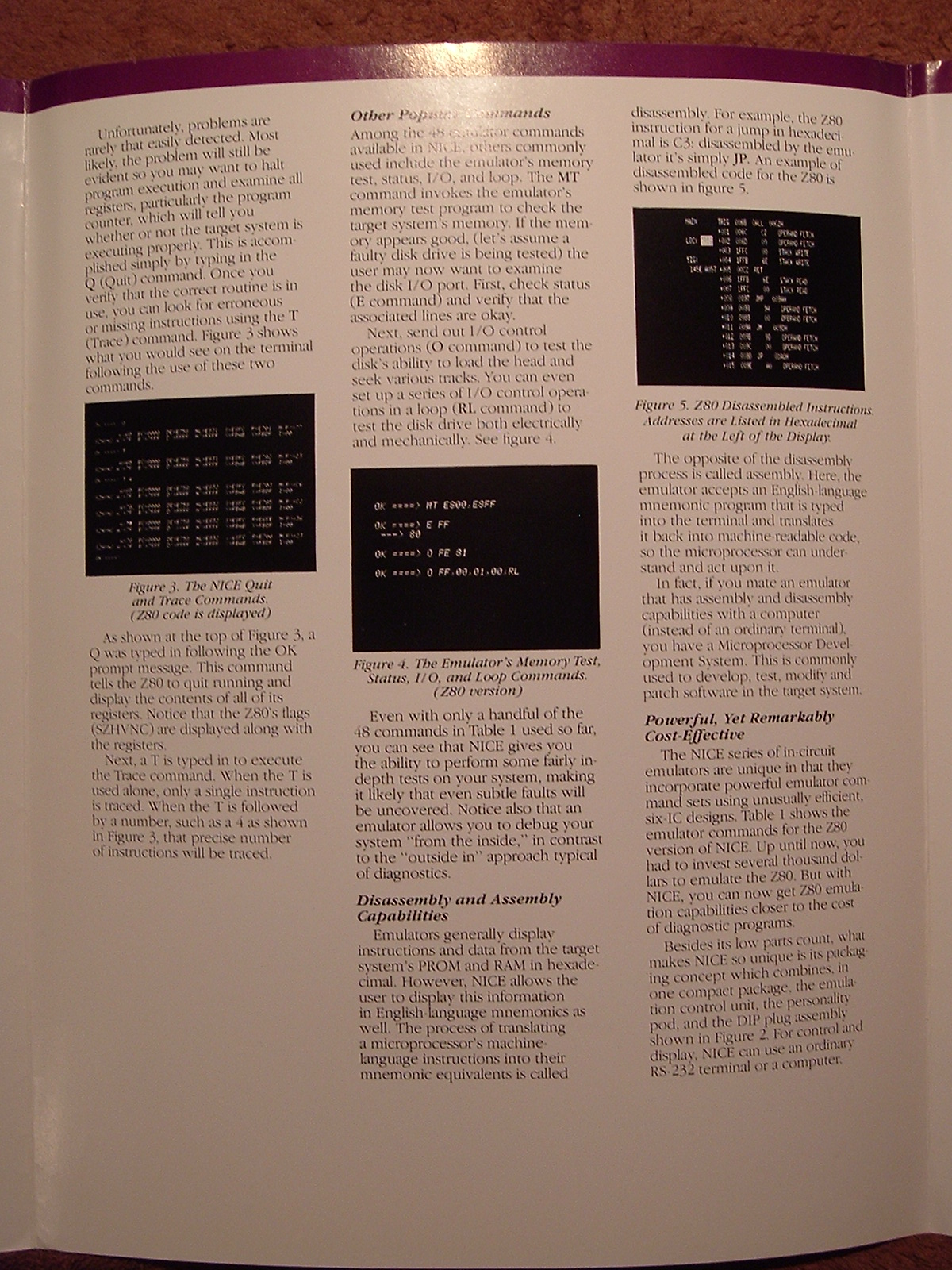
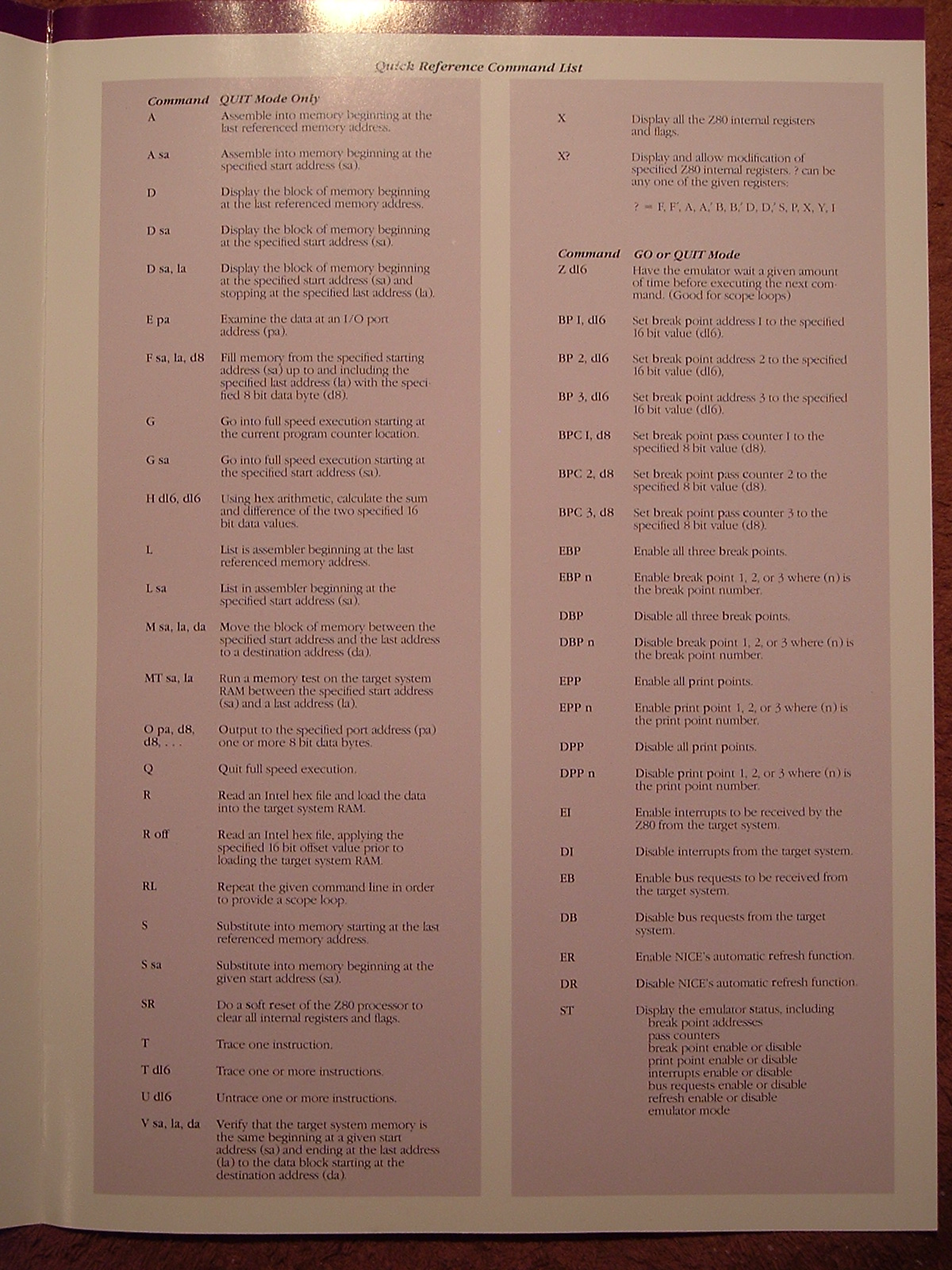
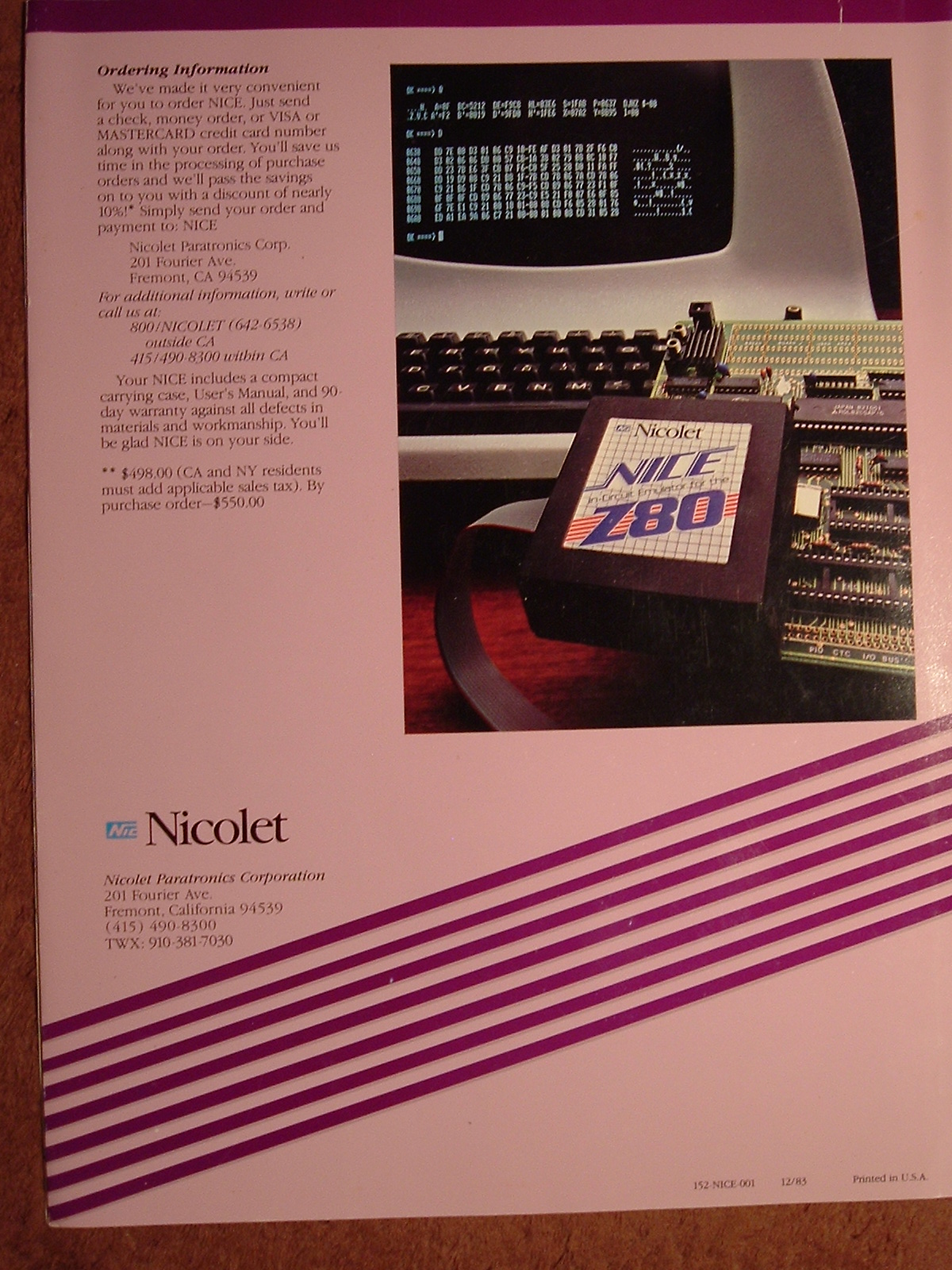
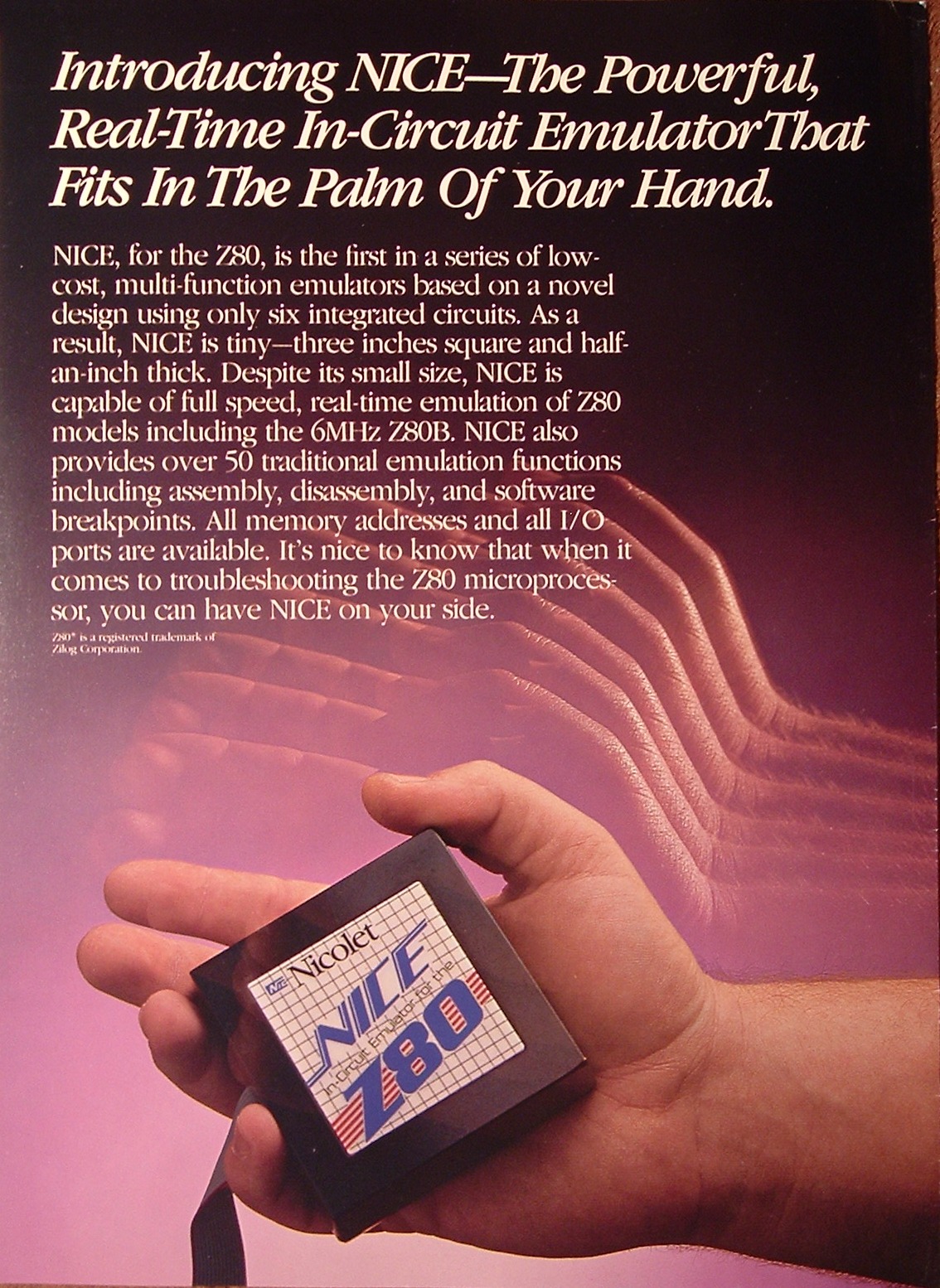
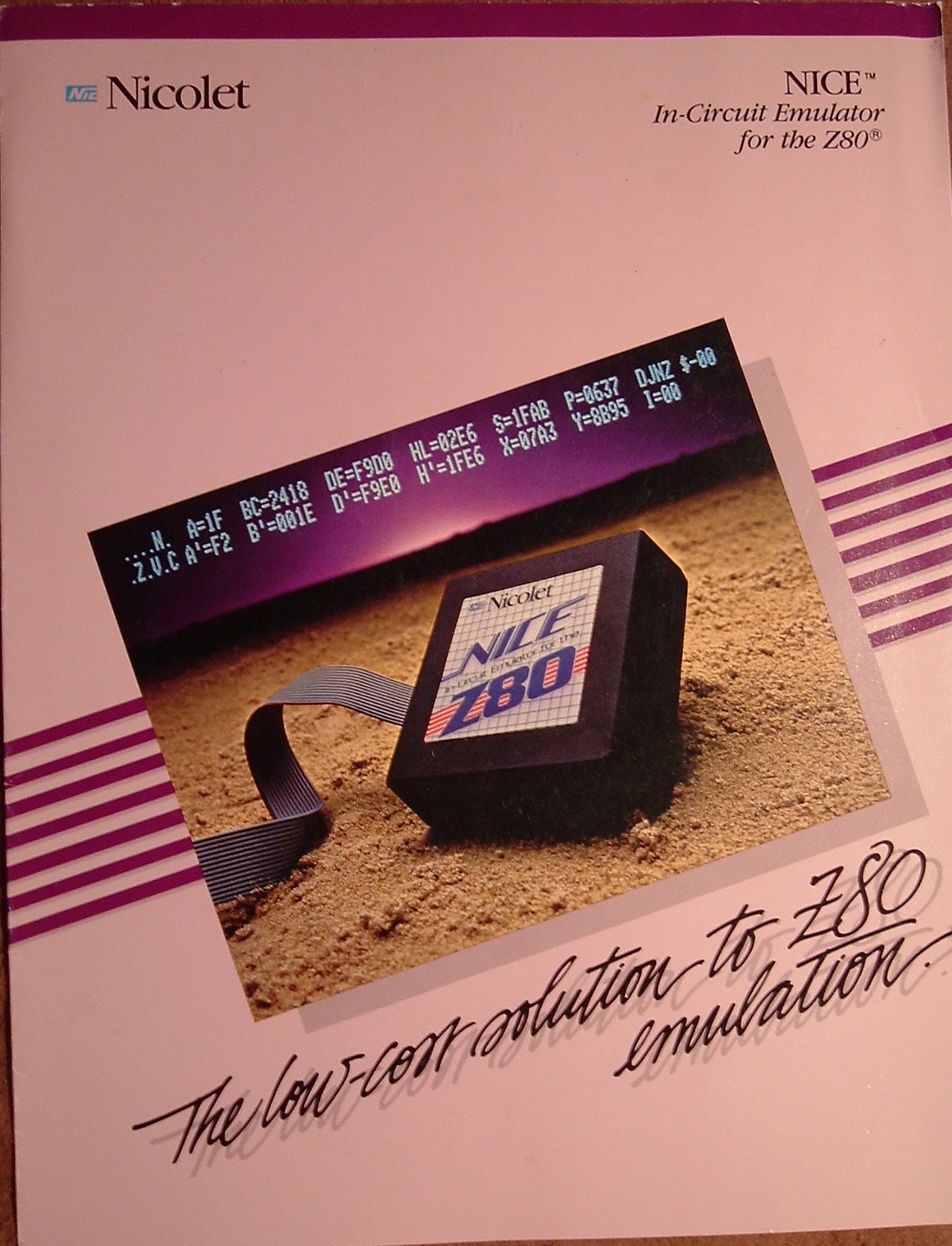
The brochure:
Dig that
Lear Siegler ADM3A terminal
in the background!
Here's the manual (in pdf format)
Many thanks to
Herb Johnson
for scanning the manual. He has
one for sale
I met
Bob Grieb
via
MARCH: the NJ computer museum
at Infoage (Camp Evans NJ)
where we rejuvinated several Z80 projects, such as exploring the Z80 emulator.
Bob reverse engineered the Nicolet Z80 NICE emulator, discovering
several undocumented things such as
- It MUST replace the socketed CPU.
The NICE ICE (In Circuit Emulator) contains its own internal CPU
from which it may disconnect CPU signals (such as IRQ)
or assert signals (for refresh, memory access).
It CANNOT be clipped on over the CPU like a logic analyzer,
- There's a minimum clock speed of approximately 500 kHz or it works erratically
(seen as inconsistent memory dumps),
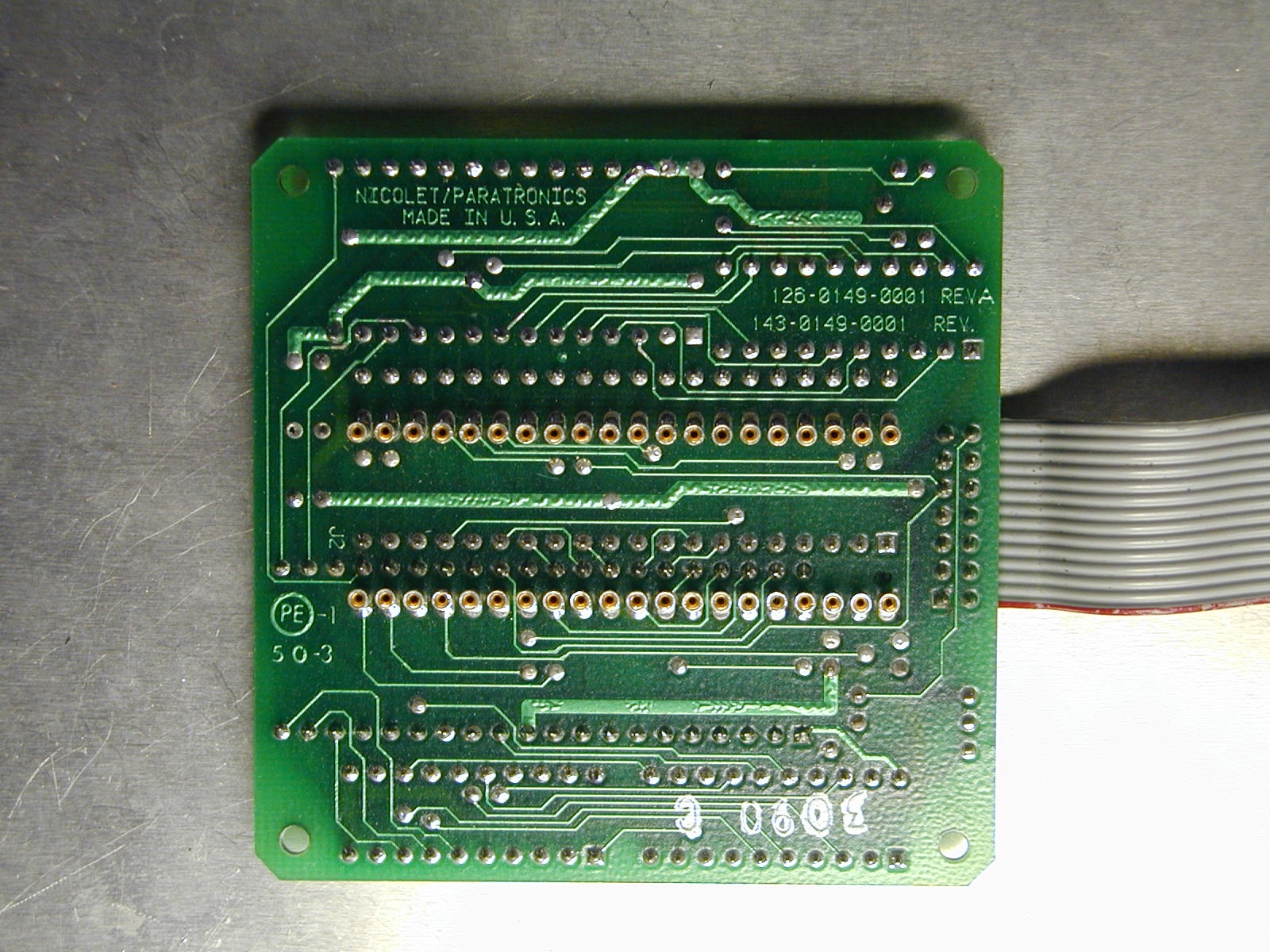
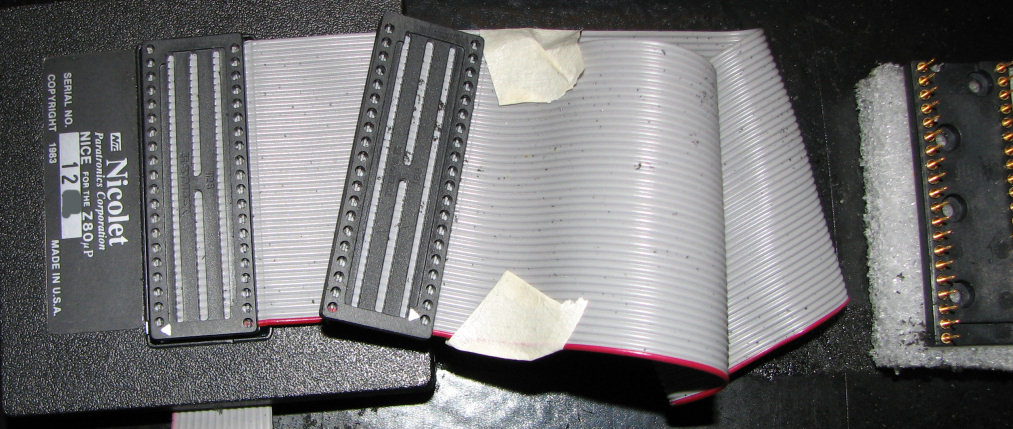
- The bottom of the Nicolet Z80 NICE has machine SOCKETS
on the bottom in a 40 pin .6" DIP pattern,
so there are 2 ways to connect the box
- via the pin-to-pin DIP-header
so the box plugs directly into the CPU socket
- via the pin-to-pin ribbon cable, which uses 2 different connectors
so the left/right sides are swapped correctly
(pin 1 is clearly marked on the connectors).
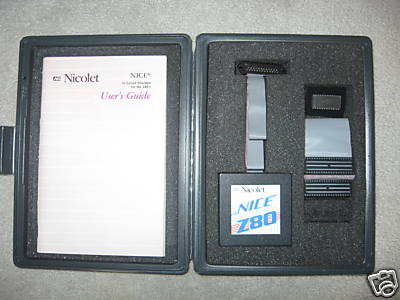
in the presentation case
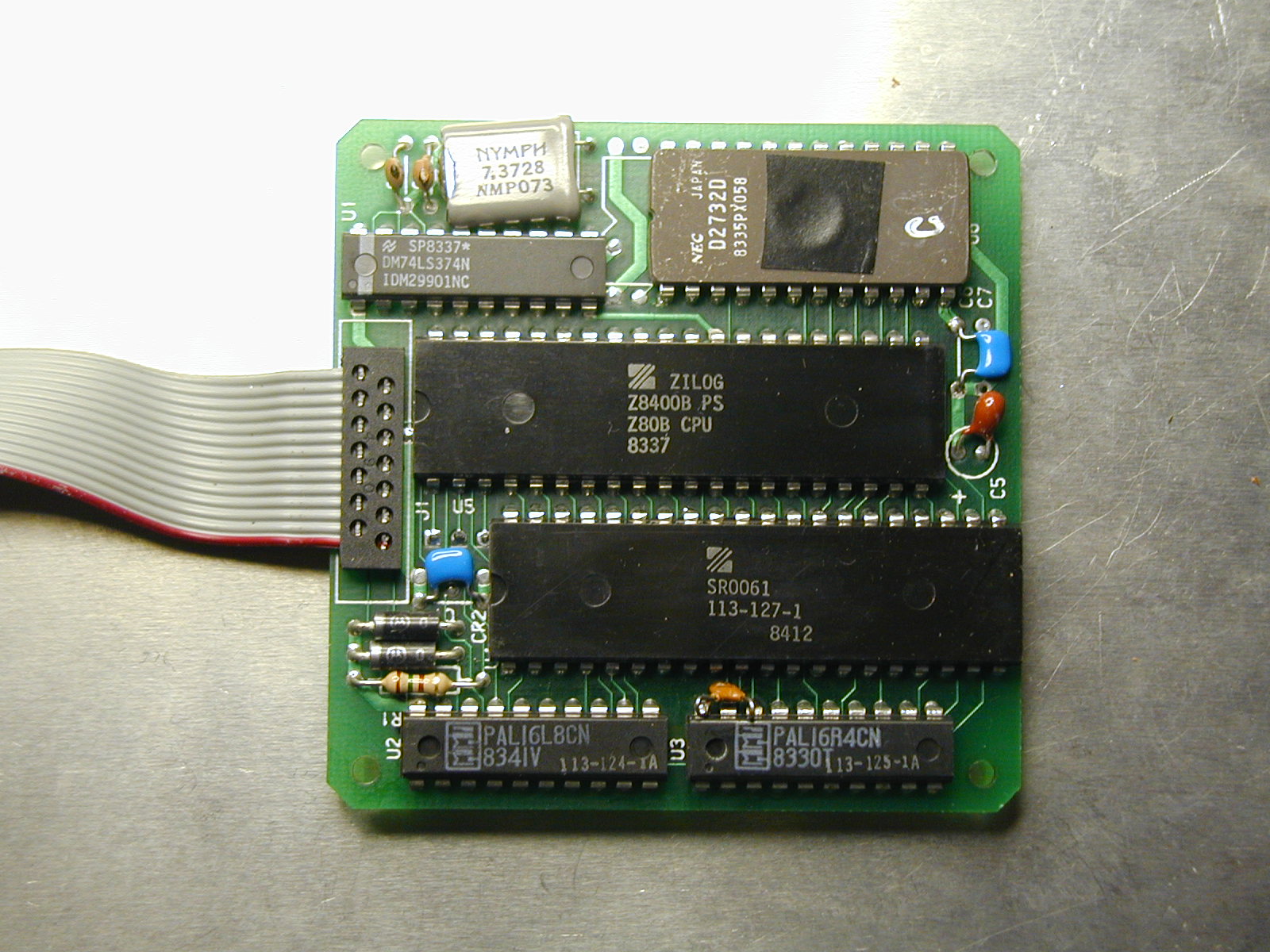
the bare PCB showing the 6 chips
the PCB bottom showing the machine pin connectors
Nicolet Z80 NICE schematic 1 of 2: Z80 CPU and PALs (PDF format)
Nicolet Z80 NICE schematic 2 of 2: Z8 and EPROM (PDF format)
Bob Grieb
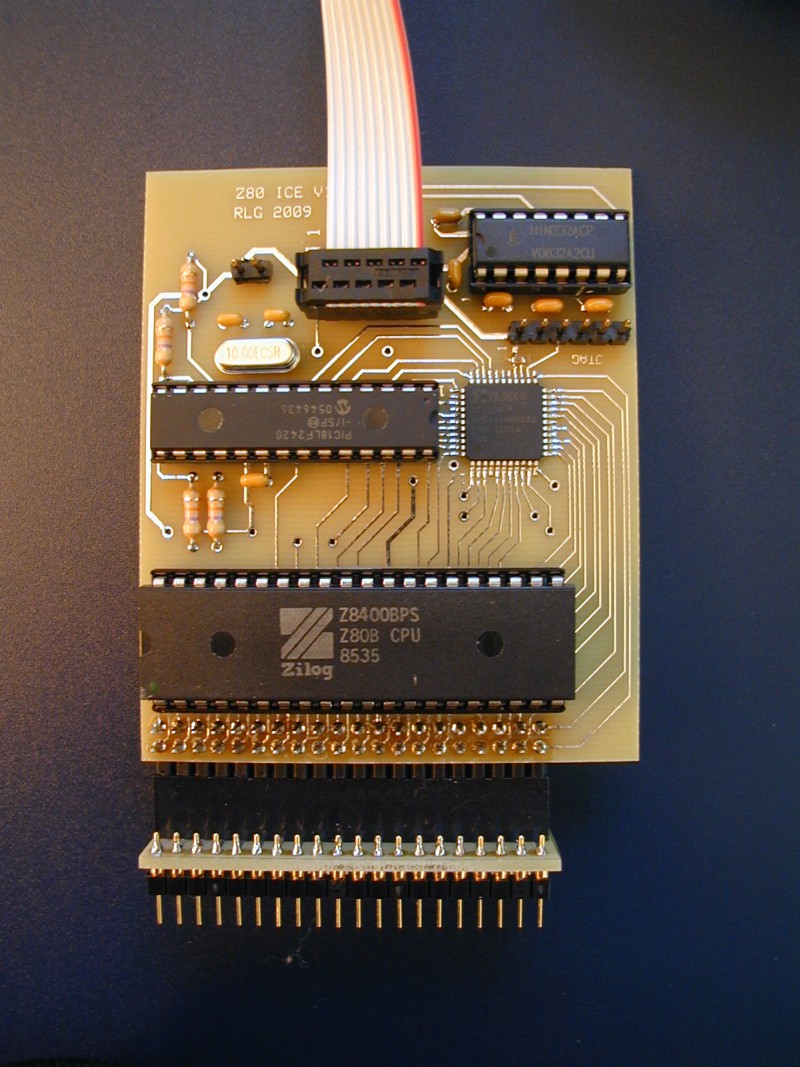
makes a compatible
Z80 In Circuit Emulator
with improved performance and additional features.
- Faster performance with fewer parts
- 6 MHz Z80B (socketed so different parts can be used)
- socketed PIC18LF2420 microcontroller (upgradeable!)
- Xilinx XC9536 CPLD
- socketed HIN232 for true RS232 signalling
- Lower power consumption: around 200 mA
(under 100 mA with a CMOS Z80)
whereas the NICE draws 500 mA.
- Self-calibrates to the external clock
(The original Nicolet Z80 NICE requires a minimum clock speed)
- Serial baud rate is automatically detected
- Controlled by generic terminal program running on any PC/laptop with a legacy serial port
(or via USB with additional converter/adapter)
Here's
The User Manual (in PDF format)
to see for yourself.
New commands:
- CF - Measure clock frequency
- CS - form 16-bit checksum of memory block
- E - Examine and display a single memory location, for scope loops
- MD - Try to detect RAM and EPROM in target memory space
- P - Put data into a single memory location, for scope loops
- W - Write out memory as Intel Hex
- DN, EN - separate hardware control of NMI input
- ? - display help screen with command list